Antidetect Browser for Social Media and Multi-Accounting
Learn how an antidetect browser helps SMM specialists separate browser profiles when managing multiple accounts and how Browser Fingerprint, Cookies, and Proxy affect these environments.
- 1.What Social Media Account Management Offers
- 2.Challenges When Managing Multiple Accounts
- 3.How Social Media Platforms Identify Linked Accounts
- 4.How to Work with Multiple Accounts
- 5.How an Antidetect Browser Works for Multiple Accounts
- 6.Conclusion
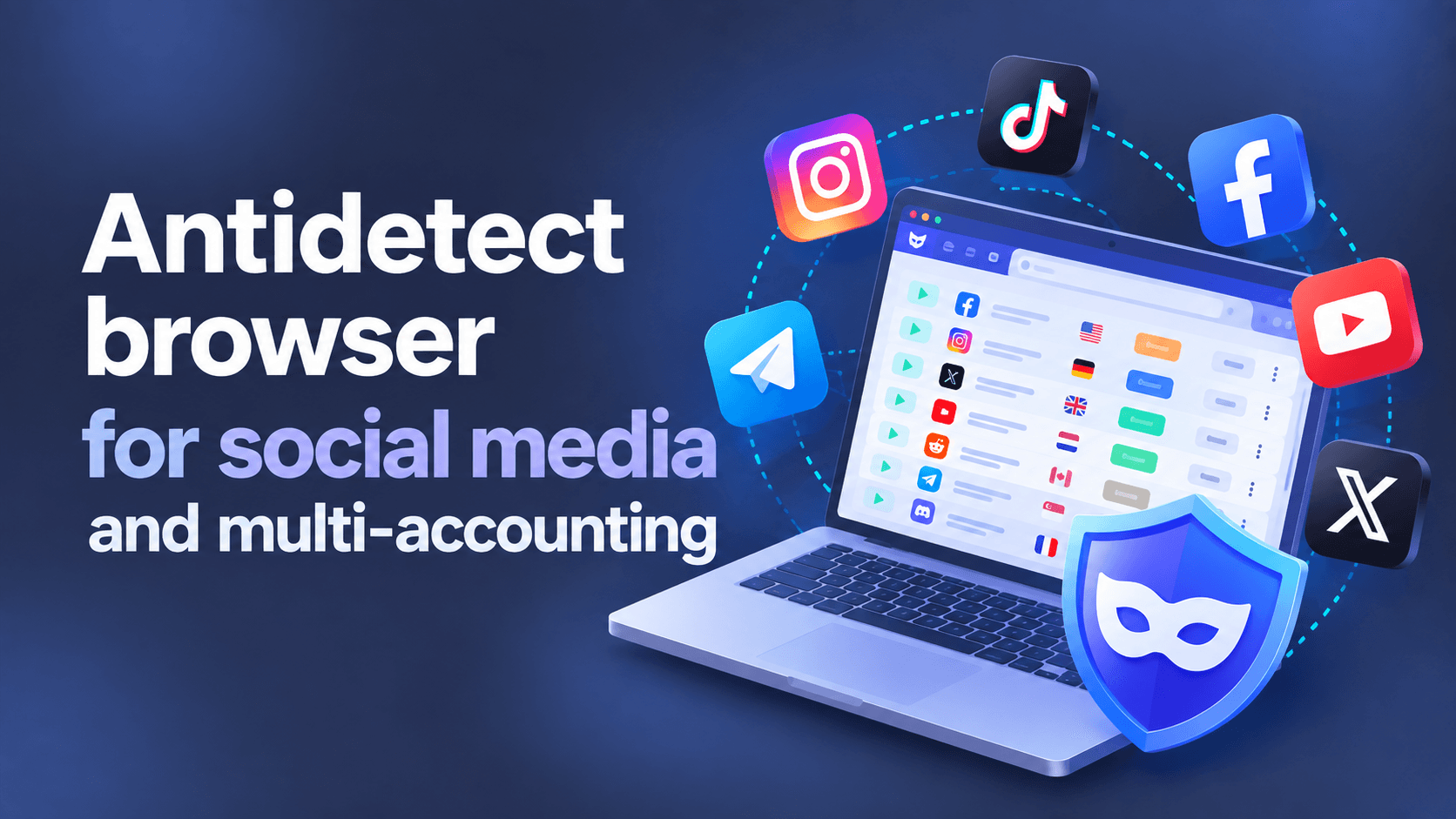
Today, we will look at how to use the WadeX antidetect browser when working with social media platforms such as Instagram. Why does an SMM specialist need an antidetect browser? Is it possible to work without one? How can you manage multiple accounts and reduce the risk of blocks? We will try to answer these questions in this article.
What Social Media Account Management Offers
Social media helps build brand reputation, attract customers, and sell products or services. Profile management can be delegated to an SMM specialist. These specialists are often hired part-time, and many of them work with several clients at once.
Challenges When Managing Multiple Accounts
There is nothing wrong with a freelance marketer or agency employee managing accounts for different clients. However, social media platforms may impose restrictions on account creation and the ways accounts can be managed.
If an SMM specialist manages several profiles, they have to switch between accounts and log in repeatedly. This can be particularly inconvenient when two-factor authentication is enabled.
In addition, platforms may apply additional checks or restrictions if they detect suspicious activity. The consequences depend on the rules of the specific platform and the nature of the activity.
How Social Media Platforms Identify Linked Accounts
Social media anti-fraud systems may associate accounts based on the characteristics of the browser and device used to access the platform. One method used for this type of analysis is called Browser Fingerprinting.
A Browser Fingerprint may include the browser version, installed fonts, User-Agent, screen resolution, and other technical parameters.
At the same time, a digital fingerprint is not the only signal. Websites may also consider Cookies, local browser data, IP address, network characteristics, account data, and user behavior.
When a new session starts, the platform may compare these parameters with data it already knows and use the result when assessing risk.
| Signal Category | Examples |
|---|---|
| Browser Fingerprint | User-Agent, screen resolution, fonts, and other browser parameters |
| Network | IP address, geolocation, ASN, and ISP |
| Browser Data | Cookies and local browser data |
| Account Data | Login history and account characteristics |
| Behavioral Signals | Patterns of user interaction with the platform |
How to Work with Multiple Accounts
If you only have a few clients, you can use different devices for different accounts: separate phones, tablets, or laptops.
However, as the number of profiles increases, this approach becomes inconvenient. More devices are required, while switching between them and managing work sessions takes additional time.
Another option is a specialized antidetect browser. It allows you to create separate browser profiles for different work environments and keep their parameters independent from one another.
How an Antidetect Browser Works for Multiple Accounts
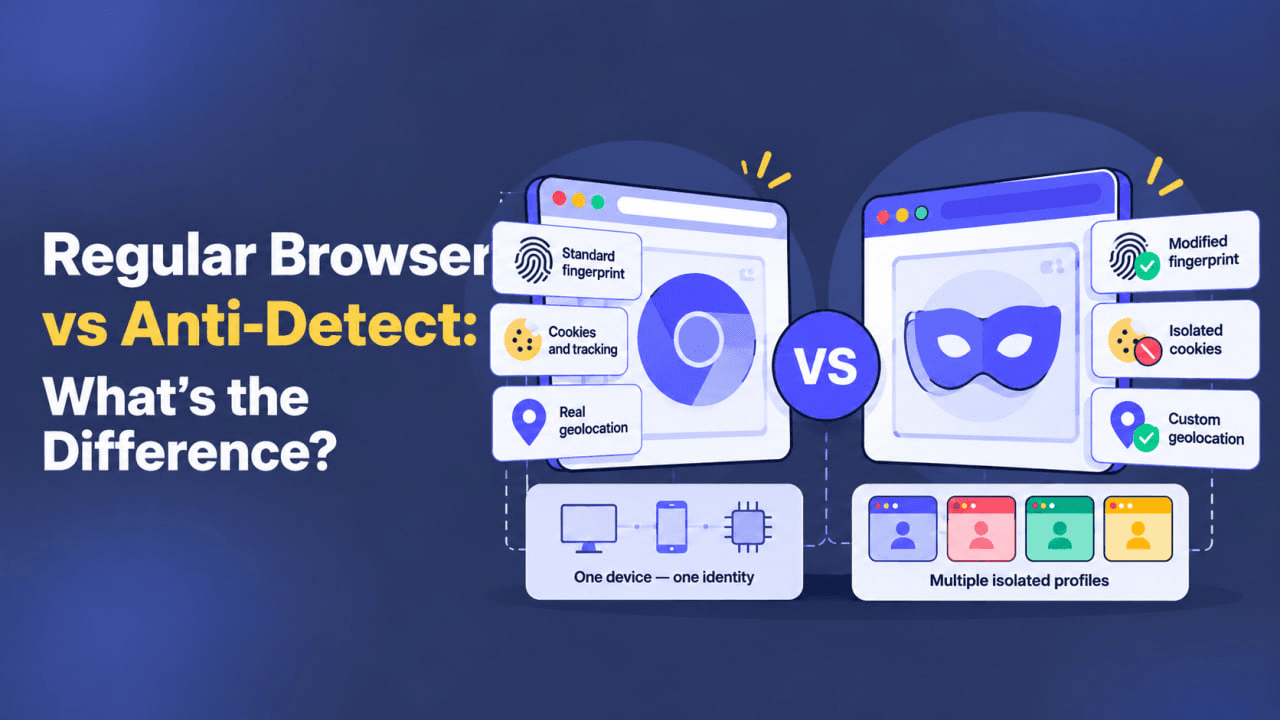
Antidetect browsers often use the same engines as regular browsers, such as Chromium. The difference is that they allow users to manage browser environment parameters and the Browser Fingerprint.
For each account, you can create a separate profile with its own local data and digital fingerprint parameters. This helps prevent data from different work sessions from being mixed and makes switching between them easier.
Instead of constantly logging out of one account and signing in to another, the user simply launches the required browser profile.
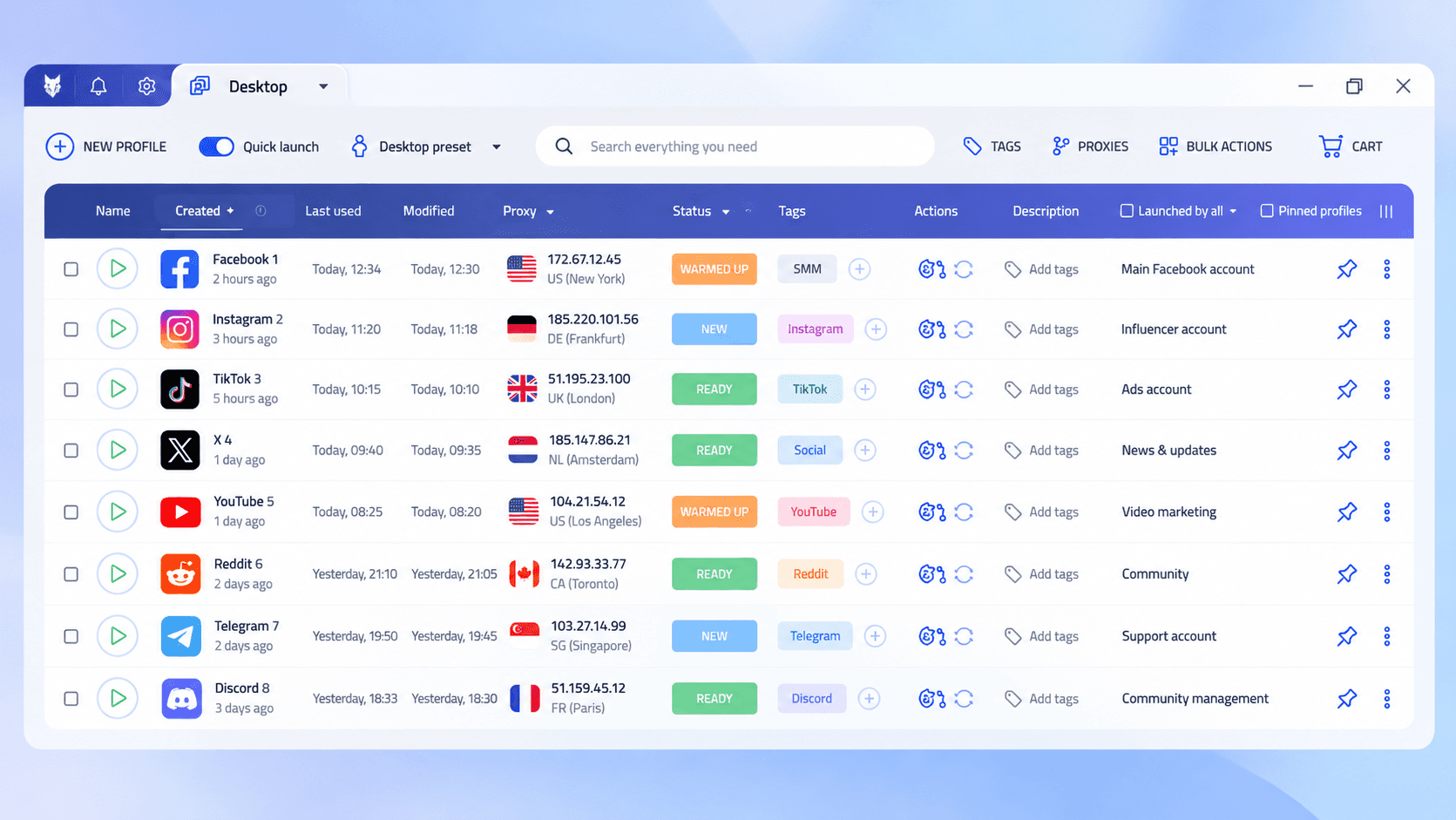
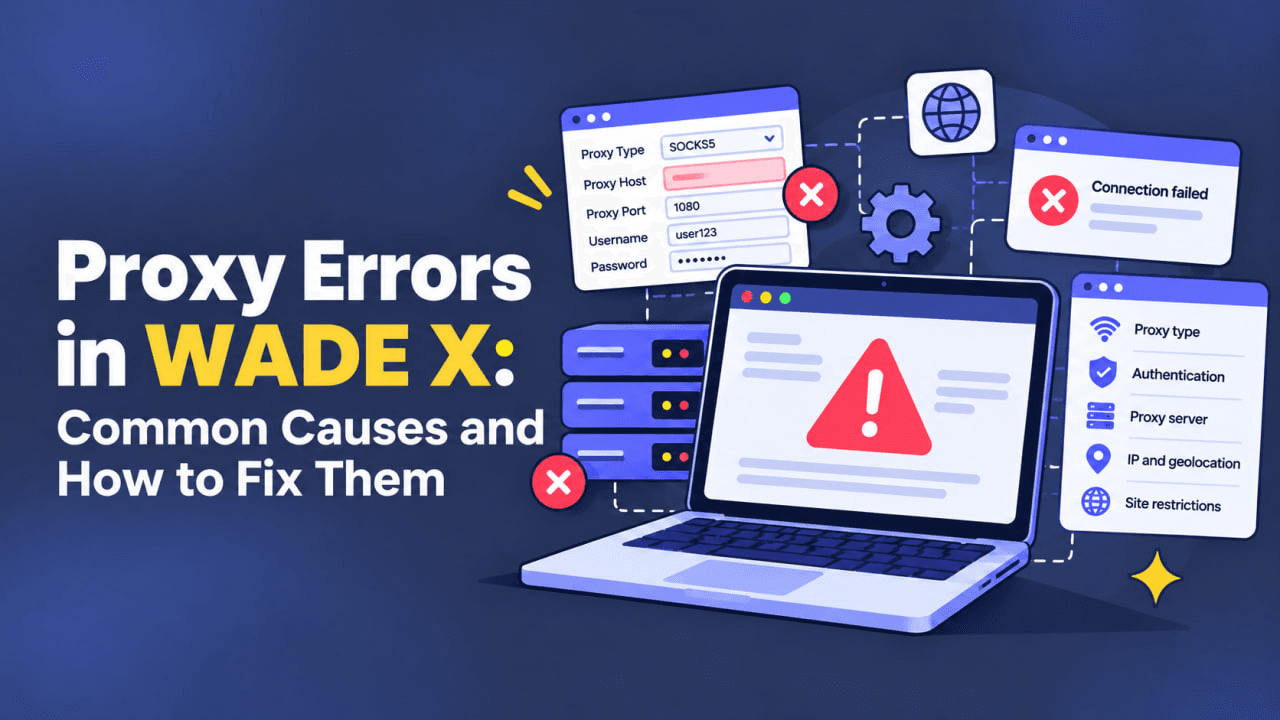
If the task requires separate network environments, an antidetect browser alone is not enough. Platforms may analyze the IP address, geolocation, ASN, and other network characteristics, so separate Proxy settings may be required for different profiles.
An antidetect browser can also simplify teamwork by allowing account management to be delegated to other managers. Some solutions support profile synchronization or cloud storage.
Conclusion
An antidetect browser can simplify the work of SMM specialists who manage multiple client accounts.
Social media platforms may analyze Browser Fingerprint, Cookies, IP address, account data, and behavioral signals. Separate browser profiles help isolate work environments and prevent local session data from being mixed.
At the same time, an antidetect browser does not guarantee the absence of blocks and does not change the public IP address by itself. In each scenario, it is important to consider the platform’s rules, IP Reputation, geolocation, and the consistency of profile parameters.
If you have any questions about using an antidetect browser, feel free to ask them in our Telegram channel — we will be happy to help.