Browser with separate identities
Websites see more than your IP. Each NOID identity uses its own browser and device configuration, residential proxy connection, and browsing data — similar to opening the web from a separate device.
Create your account, download NOID, and sign in to create your first identity.
7-day free trial. No card required.
Why do I need NOID?
INCOGNITO MODE
Forgets cookies and browsing history
VPN OR PROXY
Changes your IP location
FINGERPRINT
Still there revealing you
With NOID, websites see a separate browser, a separate IP, separate settings — a separate identity.
Create an identity.
Use it like its own browser.
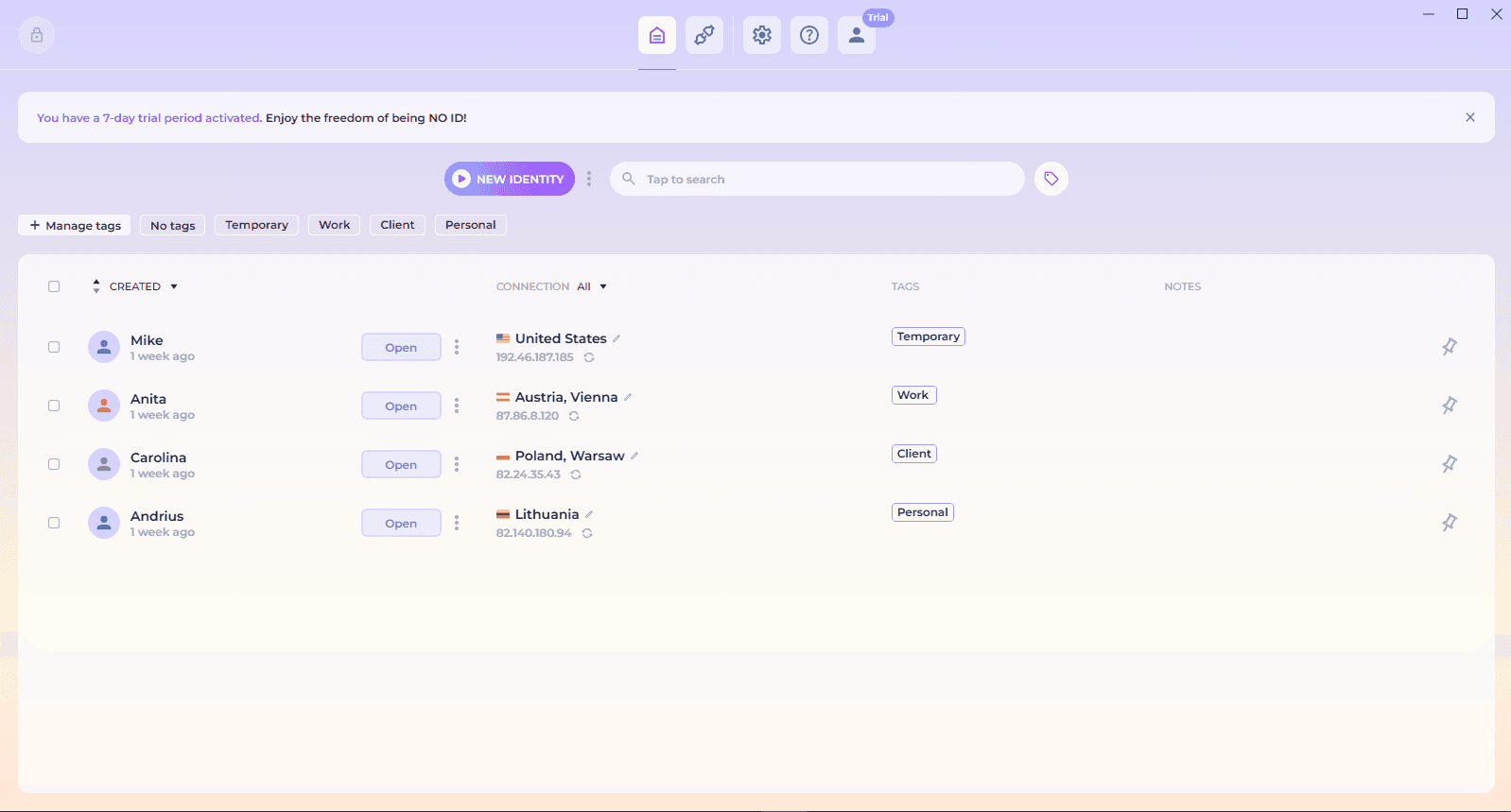
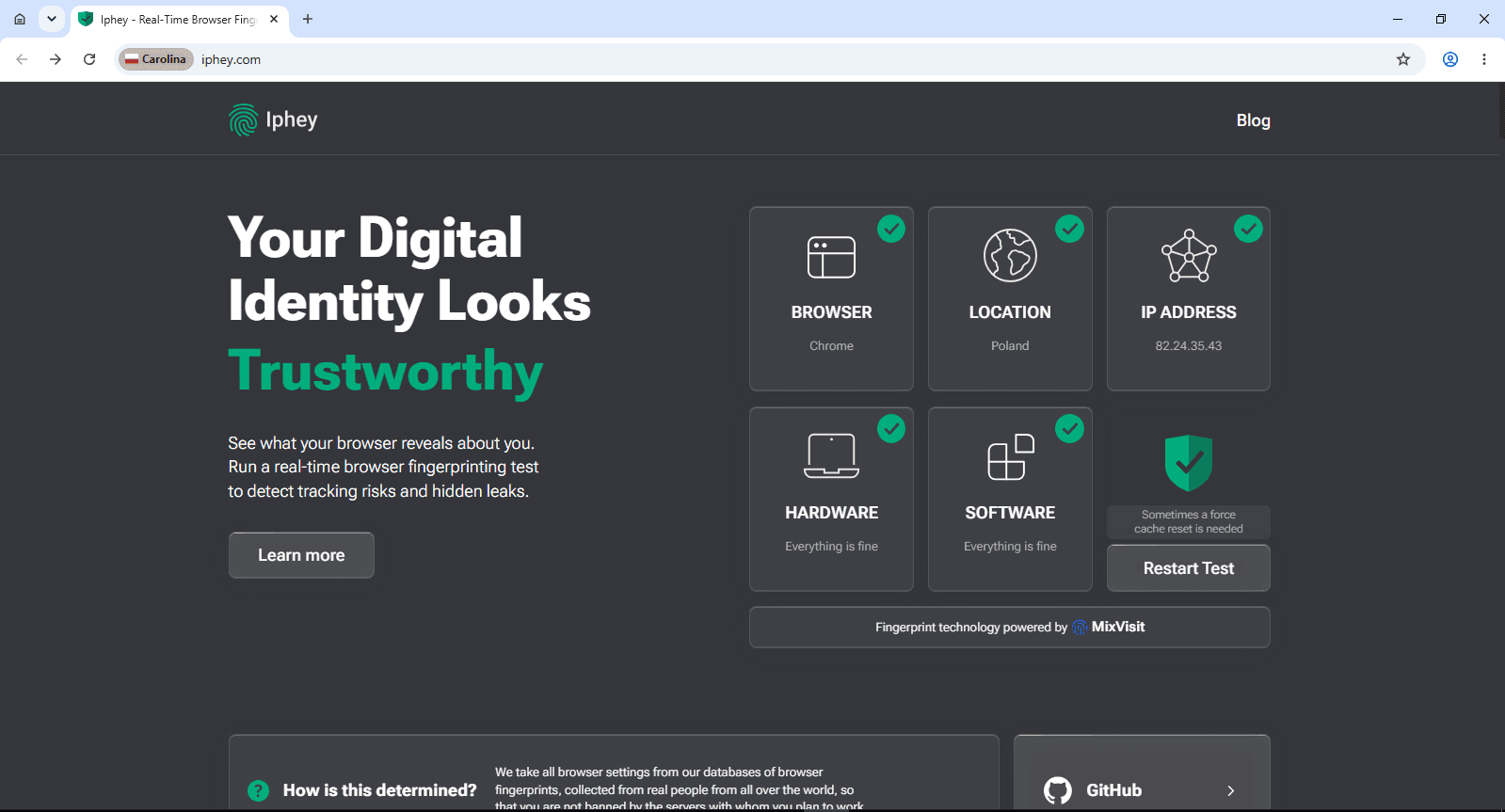
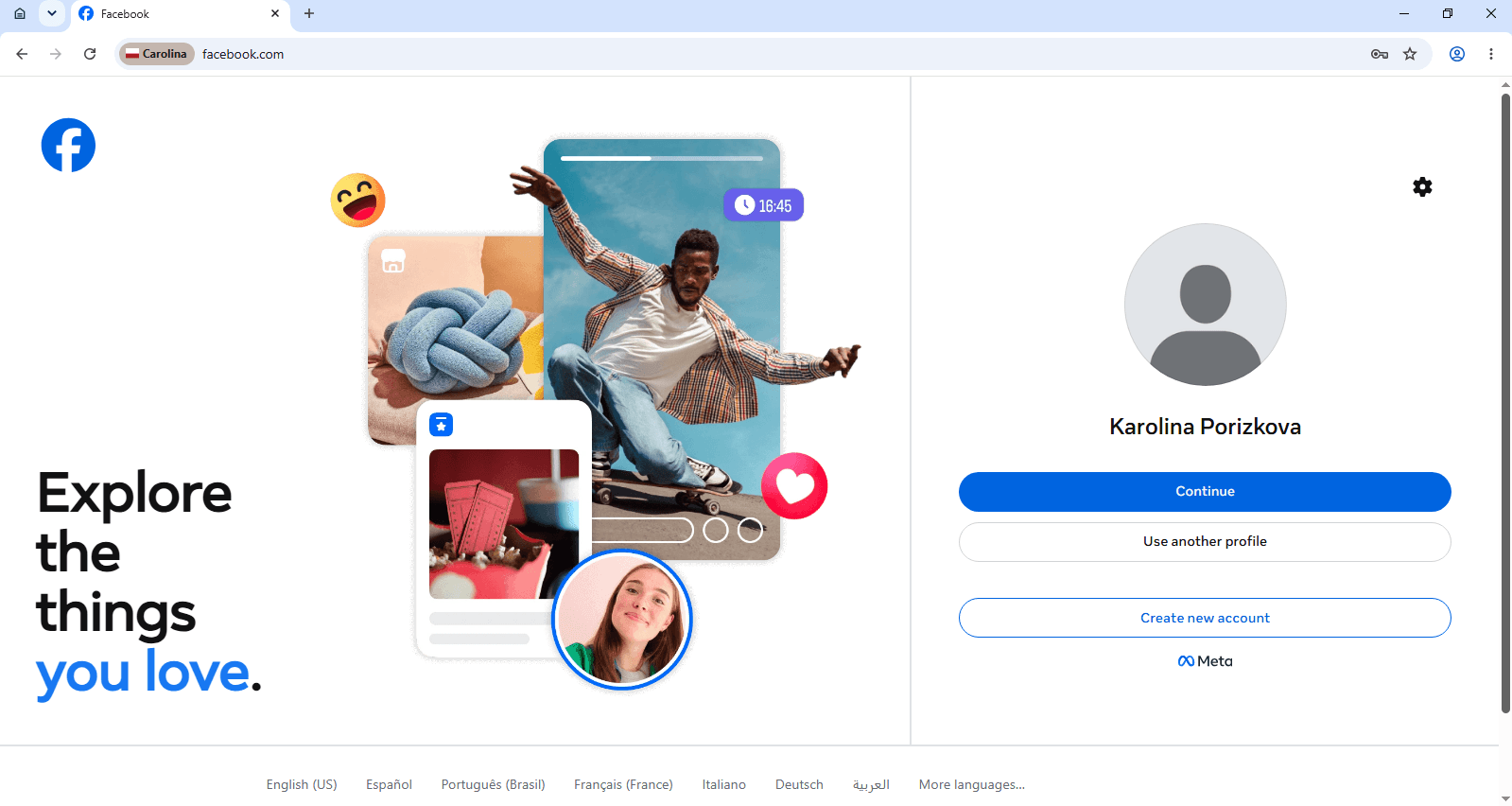
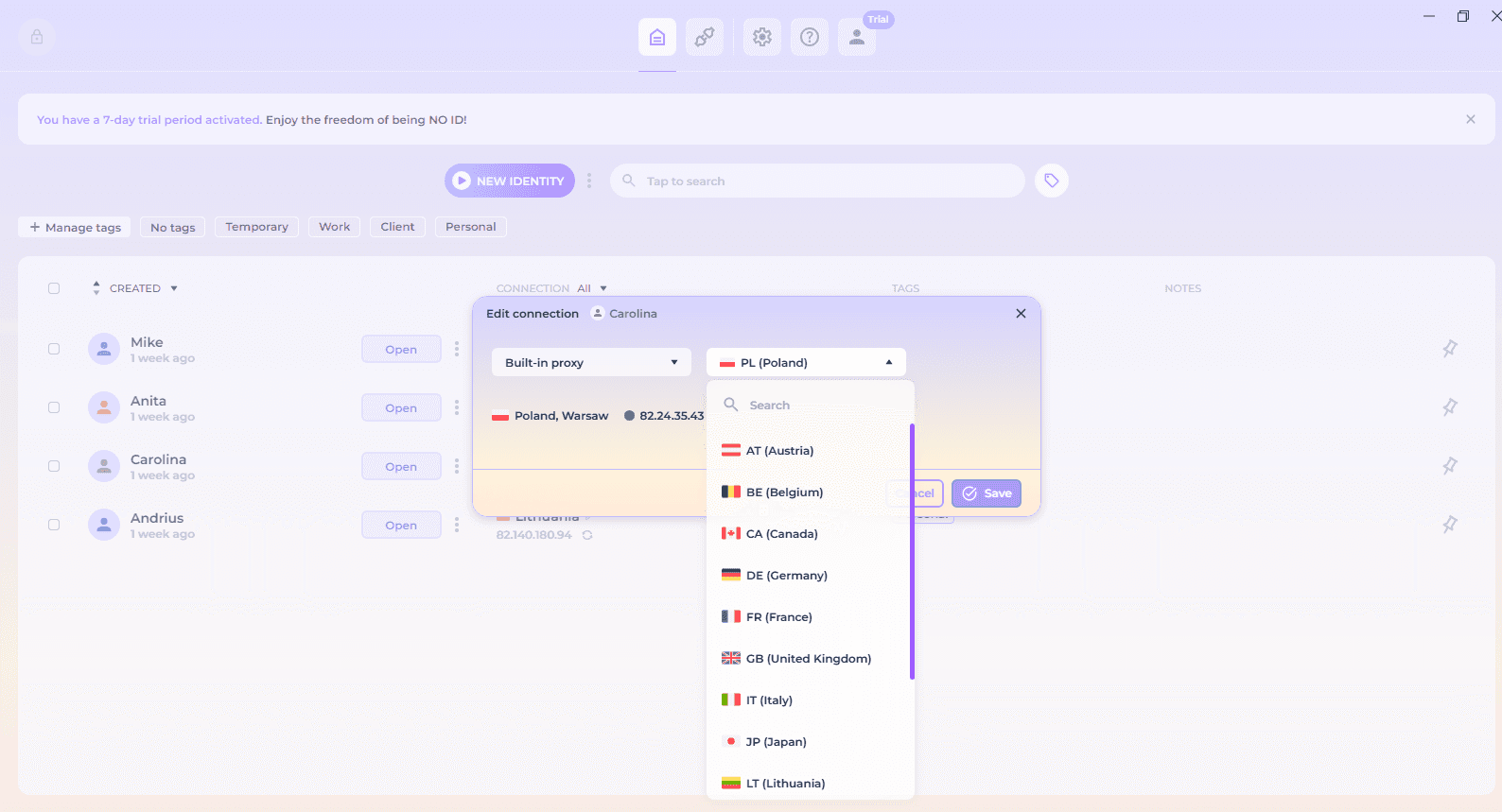
Create a ready identity in one click, open it, check its browser context, and browse normally. Return later to the same identity and browsing state.
Create in one click
Open and check
Browse normally
Edit and return anytime
More built in.
Less to set up.
NOID includes the tools you would otherwise have to combine separately — residential connections, temporary sessions, local protection, encrypted transfer, and no activity logs.
Built-in residential proxies
Use a ready residential connection or add your own proxy.
No activity logs
NOID does not keep logs of your browsing activity.
Local control
Keep identity data encrypted locally, lock access quickly, and add authenticator protection.
One-time browser
Open a disposable browser session when nothing needs to be saved.
Encrypted import and export
Move identities and browser data in encrypted form.
Built-in privacy tools
Block ads and reduce common tracking inside the browser.
Start free.
Decide after 7 days.
Create your account now. No card required. After the trial, continue for $20 per month only if NOID works for you.
Already registered?
Step 1 of 4: Email
- 01Email
- 02Password
- 03Verify
- 04Download
Create your account
Start your 7-day free trial. No card required.
Questions,answered.
The practical details about privacy, devices, data, and using NOID day to day.
How is NOID different from a VPN?
A VPN changes your network route and visible IP address, but it does not create a new browser environment. Browser and device signals, language, time zone, cookies, and other browsing data may still belong to the same context. NOID separates the whole context for each identity — browser and device configuration, connection, and browsing data. You can also use NOID alongside a VPN when your setup requires it.
Is NOID legal to use?
NOID is a general-purpose privacy browser. Laws, platform rules, and permitted uses vary, so you are responsible for how you use the product and for following the rules that apply to you.
Can I use my NOID account on different devices?
Yes. You can sign in on different supported computers, but one login can be active on only one device at a time. NOID does not store or sync identities through the cloud. To move an identity to another computer, export it in encrypted form and import it on the new device.
What data does NOID collect?
NOID does not keep logs of your browsing activity or monitor traffic through its built-in connections. We keep only the account information needed to provide and license the service, such as your registration email and billing information when you purchase a subscription.
Can NOID help when internet access is censored?
NOID is designed to support access to the open web when information is censored or blocked. Its separate identities and connection options can help you reach information through a different browser context. Availability may still depend on the network and service you are trying to access.
Why is NOID more private than a regular browser?
A regular browser usually keeps different activities inside the same browser and device context. In NOID, every identity has its own configuration, connection, and browsing data. Identity data is stored locally in encrypted form, while quick lock, PIN protection, and two-factor authentication add another layer of control.