Dynamic Proxies for Antidetect Browsers: How They Work
Learn how dynamic proxies rotate IP addresses, how residential, mobile, and BackConnect proxies differ, and when dynamic proxies are useful with antidetect browsers.
Users of antidetect browsers need to understand how proxy servers can support different workflows. An antidetect browser does not automatically change your public IP address, so a separate network solution such as a Proxy is required when you need websites to see a different IP. You can also purchase and connect a Proxy directly in WADE X.
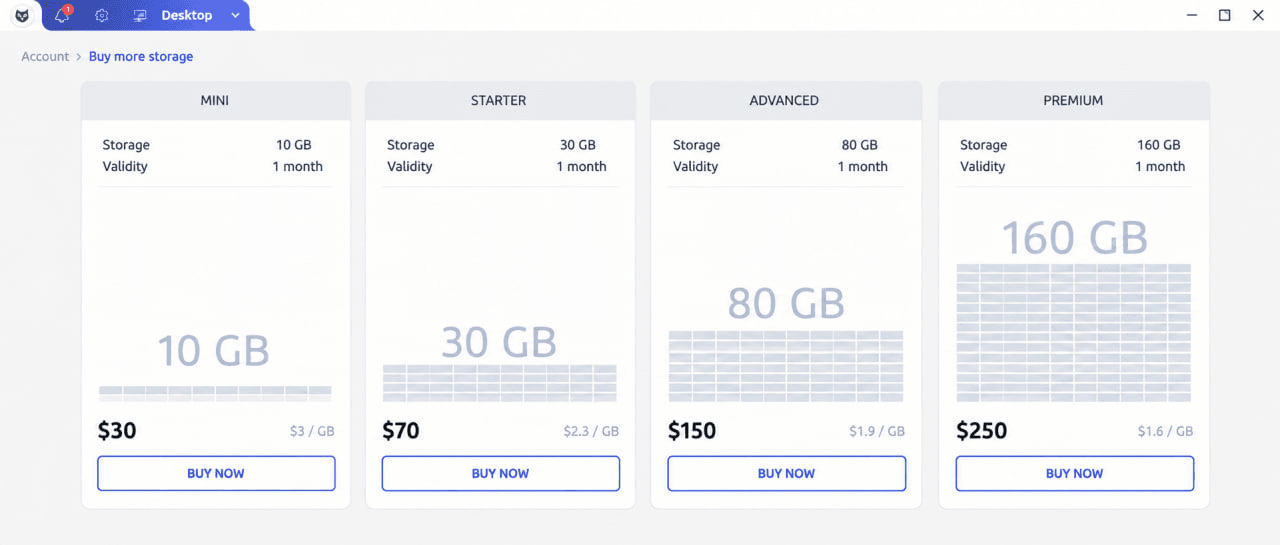
One particularly useful option for antidetect browser users is a dynamic Proxy. Dynamic proxies rotate IP addresses automatically, which can be useful for workflows involving a large number of requests or different network locations.
But how exactly do dynamic proxies work? What are their advantages compared with static proxies? And how do you choose the right option for a particular task? In this article, we’ll look at how dynamic proxies work, their advantages and disadvantages, and when they can be useful with antidetect browsers.
What Are Dynamic Proxies?
Dynamic proxies are Proxy servers that automatically rotate the IP address according to a predefined rule. Depending on the provider and configuration, the IP may change with every request, after a certain period of time, or when a session ends.
This means that when you use an antidetect browser with a dynamic Proxy, different requests or sessions can be routed through different IP addresses.
Advantages of Dynamic Proxies
Dynamic proxies offer several advantages for certain antidetect browser workflows:
- IP rotation: Regularly changing IP addresses can reduce dependence on a single IP and can be useful when working with services that apply request limits.
- Access to a large IP pool: Dynamic proxy services can provide access to multiple IP addresses, which is useful for tasks involving many requests or different locations.
- Replacement of unavailable IPs: Depending on the provider, an unavailable or restricted IP can be replaced with another address from the available pool.
Disadvantages of Dynamic Proxies
Dynamic proxies also have several limitations:
- No permanent IP address: If a website expects a stable IP during authentication or long-running sessions, frequent rotation may create problems. In these cases, a static Proxy or Sticky Session may be more appropriate.
- Possible performance differences: Connection speed and latency may vary between IP addresses in the pool, depending on the provider, network type, and routing.
Types of Dynamic Proxies
Residential Proxies
Residential proxies use IP addresses associated with residential ISP networks. Because these addresses belong to consumer network ranges rather than typical datacenter infrastructure, they can be useful for workflows where residential network characteristics are required.
Residential proxies are commonly used for web scraping, data collection, localization testing, and other tasks where access through different residential IP addresses is useful.
Their effectiveness still depends on factors such as IP Reputation, ASN, location, provider quality, and the policies of the target website.
Mobile Proxies
Mobile proxies route traffic through IP addresses associated with mobile carrier networks.
They can be useful for testing mobile-oriented websites and services, checking regional content, or working with environments where a mobile network connection is required.
However, a mobile Proxy does not automatically make a desktop browser appear to be a mobile device. Websites can analyze Browser Fingerprint parameters independently of the IP address, including User-Agent, screen characteristics, WebGL, WebGPU, and other signals.
BackConnect Proxies
BackConnect proxies provide access to a pool of IP addresses through a single Proxy endpoint. The provider manages the rotation on its side and assigns different IP addresses according to its configuration.
This approach is commonly used for data collection, web scraping, automation, and other workflows involving a large number of requests.
The exact rotation behavior depends on the provider. Some services rotate the IP with every request, while others support timed rotation or Sticky Sessions that keep the same IP for a specified period.
| Proxy Type | IP Addresses | Common Use Cases | Key Characteristics |
|---|---|---|---|
| Residential Proxies | IP addresses associated with residential ISP networks | Web scraping, data collection, localization testing | Use consumer network ranges rather than typical datacenter infrastructure. Effectiveness depends on IP Reputation, ASN, location, provider quality, and target website policies |
| Mobile Proxies | IP addresses associated with mobile carrier networks | Testing mobile-oriented websites and services, checking regional content | Route traffic through mobile carrier networks. A mobile Proxy does not automatically make a desktop browser appear to be a mobile device |
| BackConnect Proxies | Pool of IP addresses accessed through a single Proxy endpoint | Data collection, web scraping, automation, high-volume request workflows | The provider manages IP rotation. Rotation may occur with every request, after a specified time, or through Sticky Sessions |
When Should You Use Dynamic Proxies?
Dynamic proxies are particularly useful for workflows involving a large number of requests or situations where access through multiple IP addresses is required.
One common example is web scraping and data collection. Sending a large number of requests through a single IP address can trigger Rate Limiting or other restrictions. Proxy rotation distributes requests across multiple IP addresses, although it does not guarantee that automated activity will remain undetected.
Dynamic proxies can also be useful for SEO audits. Search results and website content may vary depending on location, so access to Proxy IPs from different regions can help check how websites or search results appear from different geographic locations.
Another use case is large-scale testing and automation. Dynamic proxies make it possible to distribute network requests across multiple IP addresses instead of relying on a single connection.
For workflows involving accounts or long-running authenticated sessions, however, frequent IP rotation may not be appropriate. Sudden changes in IP address, country, ASN, or network type can create an inconsistent session. In such cases, a static Proxy or Sticky Session may be preferable.
Conclusions and Recommendations
Dynamic proxies can be useful for antidetect browser users working with web scraping, SEO audits, automated testing, data collection, and other tasks that require access to multiple IP addresses.
The choice between static and dynamic proxies should depend on the specific workflow. Dynamic proxies are generally better suited to high-volume requests and scenarios where IP rotation is useful. Static proxies, on the other hand, are often more appropriate when a stable network identity is required.
It is also important to remember that a Proxy only changes the network route and the public IP address visible to websites. It does not automatically change Cookies, Browser Fingerprint, account history, or behavioral signals.
When using dynamic proxies with an antidetect browser, consider not only rotation frequency but also IP Reputation, location, ASN, connection stability, and consistency with the browser profile.